
First admin and setup
A new Orvano install has no accounts. The first one is made from the setup link the installer printed, and becomes the install’s admin.
Create the first admin
Section titled “Create the first admin”-
Open the setup link:
https://<your domain>/setup#...on a server, orhttp://localhost:7700/setup#...on a local install. The part after#is the setup token; the page removes it from the address bar before it shows anything. -
Fill in your name (optional), email, and a password of at least 8 characters, and select Create the first admin.
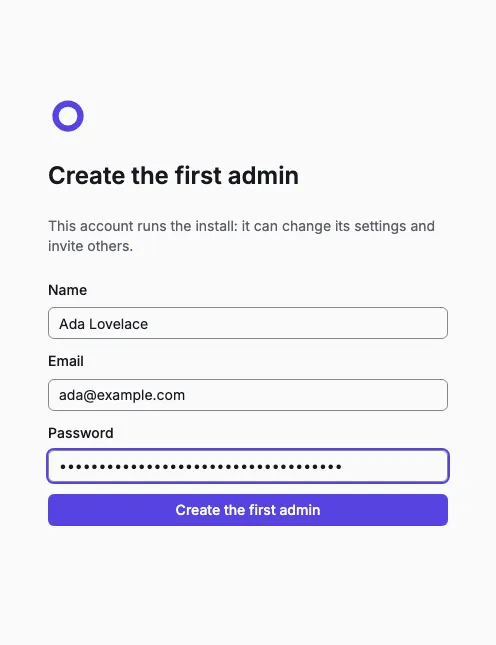
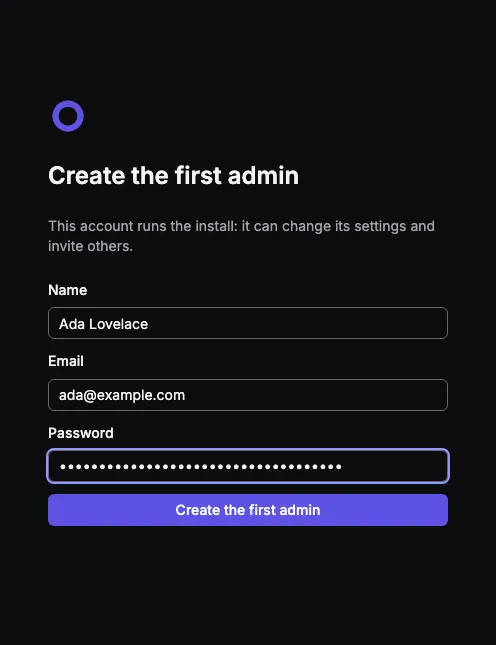
-
You’re signed in, in your personal org. Every console account gets one, named after you.
The link works only once. Until it’s used, anyone who finds your install sees the setup page but can’t claim it without the token. If the page says the link isn’t valid, run the installer again on the server and copy the link it prints: it never changes the token. After setup, the setup page sends everyone to Sign in.
What the install admin can do
Section titled “What the install admin can do”Being install admin is separate from the roles in an org: it doesn’t give access to anyone’s projects. In the account menu, Install settings lets an install admin:
- choose how people get console accounts: Invite only (the default: people join through invite links from an org owner) or Anyone can sign up;
- set up the install’s email server;
- see the console’s own email log (invites).