
Orgs and projects
An org holds your team and its projects; a project is what one app talks to. Orgs and projects explains the model.
Create an org
Section titled “Create an org”Open the org switcher at the top left and select Create org, or select Create org on the Orgs page. Give it a name; you become its owner. You also have a personal org from the day you signed up, which works like any other.
Create a project
Section titled “Create a project”-
In an org, select Create project (on the Projects page or in the project switcher).
-
Name it, and select Create project.
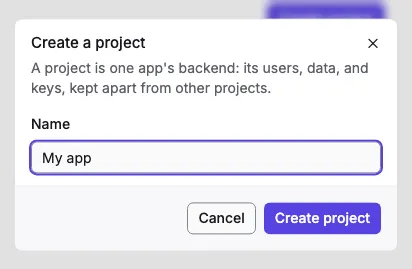
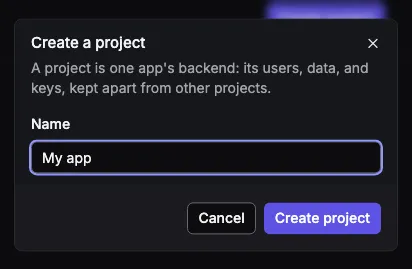
-
The project shows Setting up for a few seconds while Orvano creates its database schema, then its overview. If setup fails, owners and developers see Retry setup.
The overview shows the Project ID with a copy button. Your app sends it with every call.
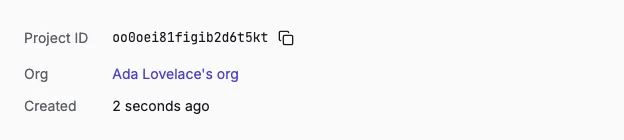
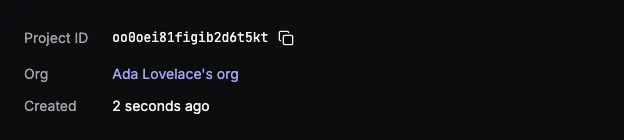
Its Connect your app card lists the two next steps: add a platform for an app that signs users in, or create an API key for a server.
The project’s pages
Section titled “The project’s pages”| Page | What it’s for |
|---|---|
| Overview | The project ID, and what to set up next. |
| Users | Search the project’s users, see their sessions, and create, block, unblock, or delete them. |
| The project’s email server, its email templates, and the log of what it sent. See Email settings and templates. | |
| API keys | Keys for your servers. See API keys. |
| Platforms | The apps allowed to use the project. See Platforms. |
| Settings | Rename the project, rotate its token signing key, or delete it. |
Rotate the signing key
Section titled “Rotate the signing key”In the project’s Settings, owners can rotate the key that signs its access tokens, for example if you think it leaked. The old key keeps verifying tokens for 24 hours, so nobody is signed out; servers that verify tokens pick up the new key on their own.
Delete and restore
Section titled “Delete and restore”An owner deletes a project in its Settings, under Danger zone, by typing its name. The project stops answering at once, and can be restored with Restore project for 7 days (the install can change the grace period). After that, its users, keys, and data are removed for good.
An org can be deleted once all its projects are, and restored the same way.