
Platforms
Add a platform for each app that uses the project. A browser app whose site isn’t listed gets origin_not_allowed. Platforms explains how matching works. Owners and developers can add, edit, and delete platforms.
Add a website
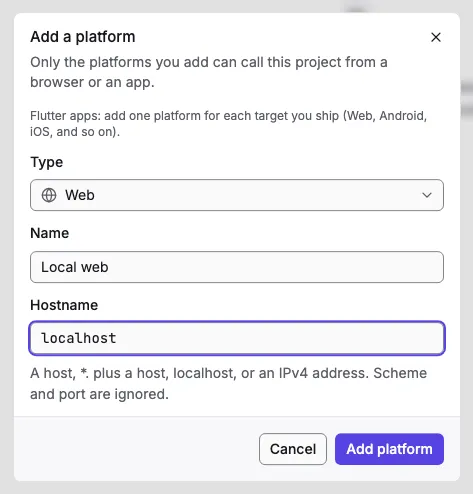
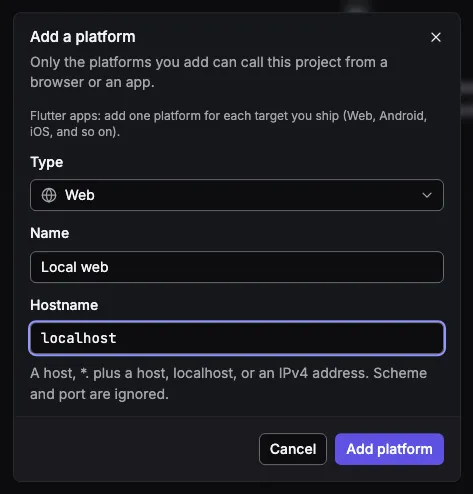
Section titled “Add a website”- Open the project’s Platforms page and select Add platform.
- Keep the type Web, name it, and enter the Hostname:
app.example.com,*.example.comfor its subdomains, orlocalhostfor development. If you paste a full address such ashttps://app.example.com:3000/login, the console keeps just the hostname. - Select Add platform.
Add a mobile or desktop app
Section titled “Add a mobile or desktop app”Choose the type, then the identifier:
| Type | Identifier |
|---|---|
| Android | the package name, such as com.example.app |
| iOS, macOS | the bundle ID, such as com.example.app |
| Windows, Linux | a label of your choice |
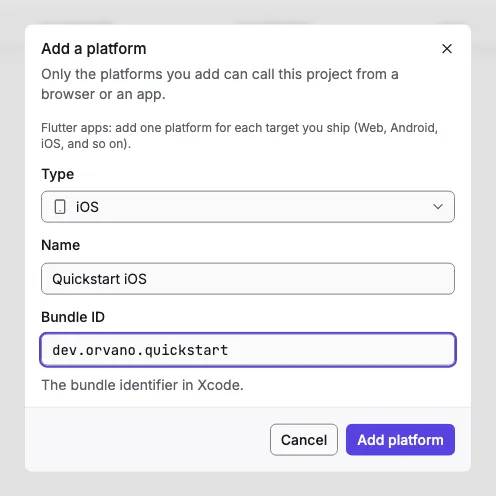
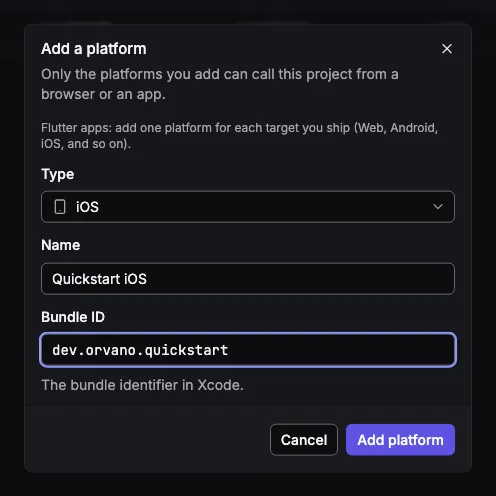
A Flutter app needs one platform for each target you ship: Web, Android, iOS, and so on.
You can’t change a platform’s type after adding it; delete it and add another. While a project is being deleted, you can delete its platforms but not add or change them.